There are video doorbells that quietly sit on your wall, telling you who shows up at your house. And then there’s the EZVIZ EP8 Ultra Dual Cam Video Doorbell. If you’re anything like me, you’ve probably dealt with missing delivered packages because your camera’s single lens was pointed squarely at someone’s forehead, completely ignoring the
There are video doorbells that quietly sit on your wall, telling you who shows up at your house. And then there’s the EZVIZ EP8 Ultra Dual Cam Video Doorbell.
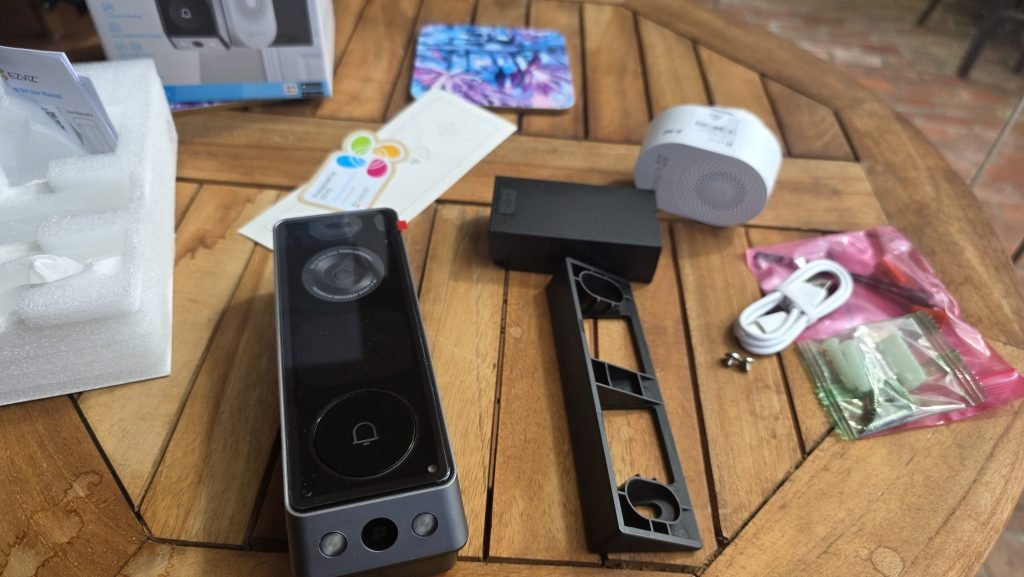
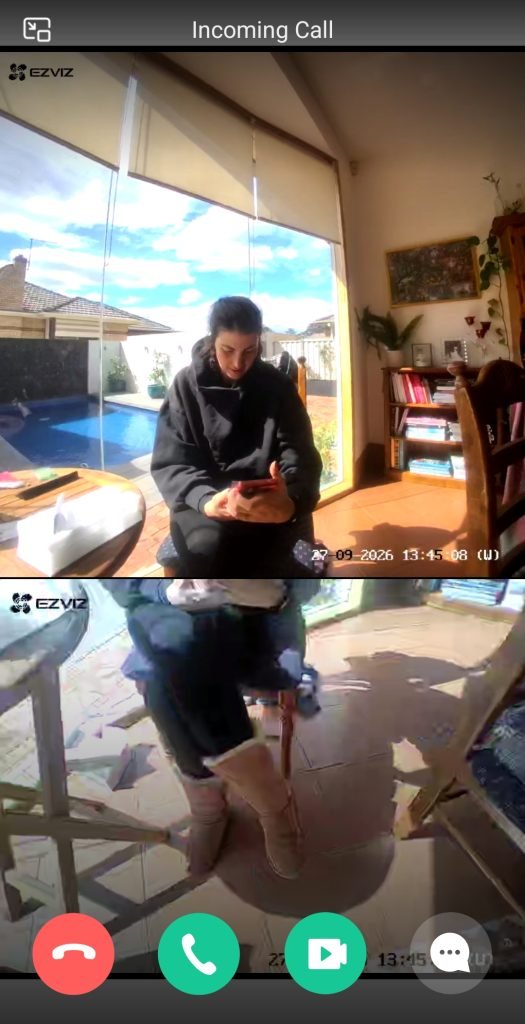
If you’re anything like me, you’ve probably dealt with missing delivered packages because your camera’s single lens was pointed squarely at someone’s forehead, completely ignoring the ground. The EZVIZ EP8 Ultra fixes this in a big way by jamming two separate cameras into one sleek unit: a top lens for faces and a lower lens aimed right at the doorstep where parcels actually sit.
Add in a built-in interactive screen featuring ridiculously cute smart characters, swappable dual batteries, and zero mandatory subscription fees, and you’ve got one of the most feature-packed smart doorbells on the market.
Seamless setup and effortless onboarding
Smart home tech should make your life easier, not send you down a rabbit hole of complicated wiring or setups. Setting up the EP8 Ultra was pain-free across both the physical installation and the mobile pairing.
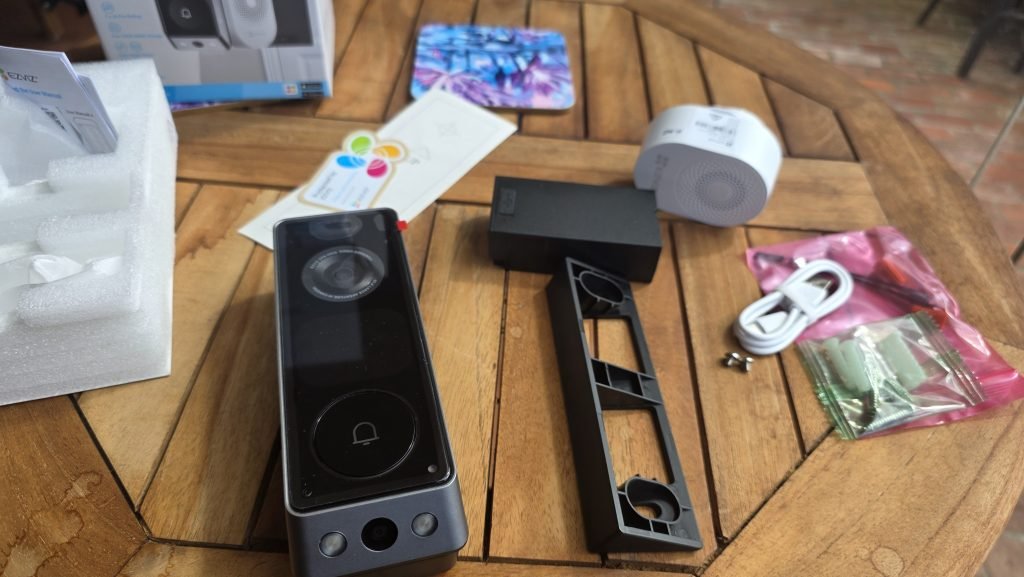
The app guides you step-by-step through installation tips, making sure you place it at the right height and angle. One minor quirk to watch out for: when you get to the pairing step, a QR code pops up on screen. Make sure you have the EZVIZ app installed on your phone first before scanning it, otherwise the QR code defaults to opening a random text file on your browser.
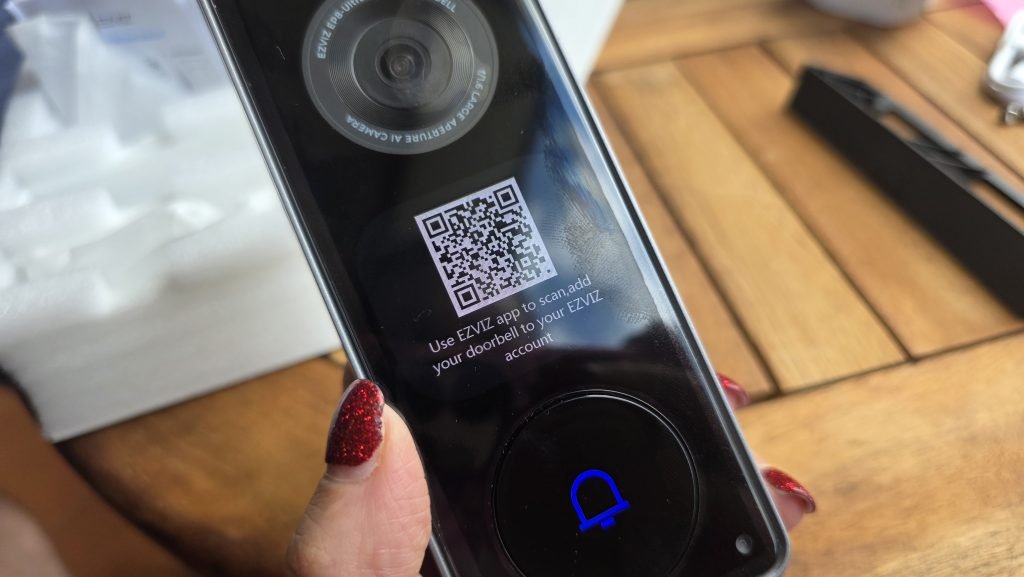
Once you have the app ready, signing up or logging in with your Google account makes the whole onboarding process seamless. And once you have it set up, you can add your doorbell to Google Home so you can manage through the Home app.
A quick setup tip for you:
- Download & log into the EZVIZ app via Google account first
- Choose your power mode: Battery or Hardwired (8–24VAC)
- Scan the setup QR code via the app to pair seamlessly
The hardware flexibility here is fantastic. You get the choice to run it purely on battery power or connect it directly to your existing doorbell wiring (8-24V AC).
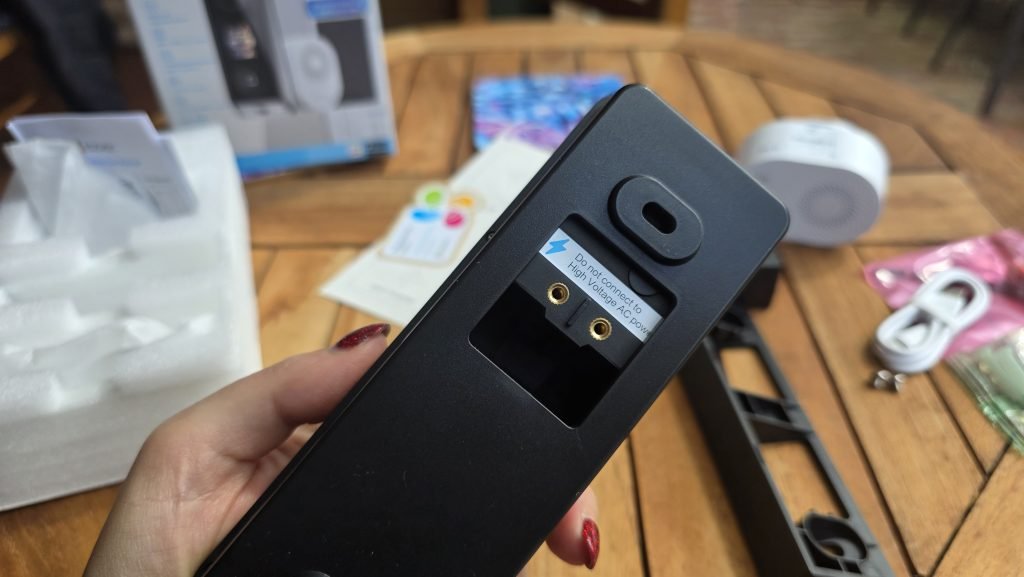
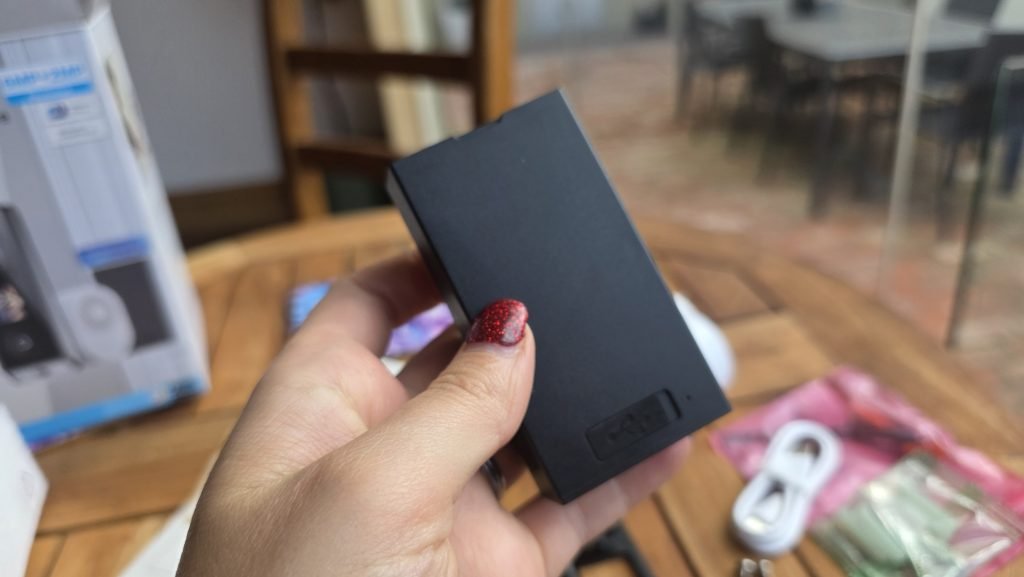
If you choose the battery route, EZVIZ includes a second 9,600 mAh battery right in the box. This is a massive win for home security. Instead of taking the doorbell offline for hours while it recharges, you can hot-swap the batteries in seconds. Your front door is literally never left unmonitored.
My favourite feature: Meet Harry Husky!
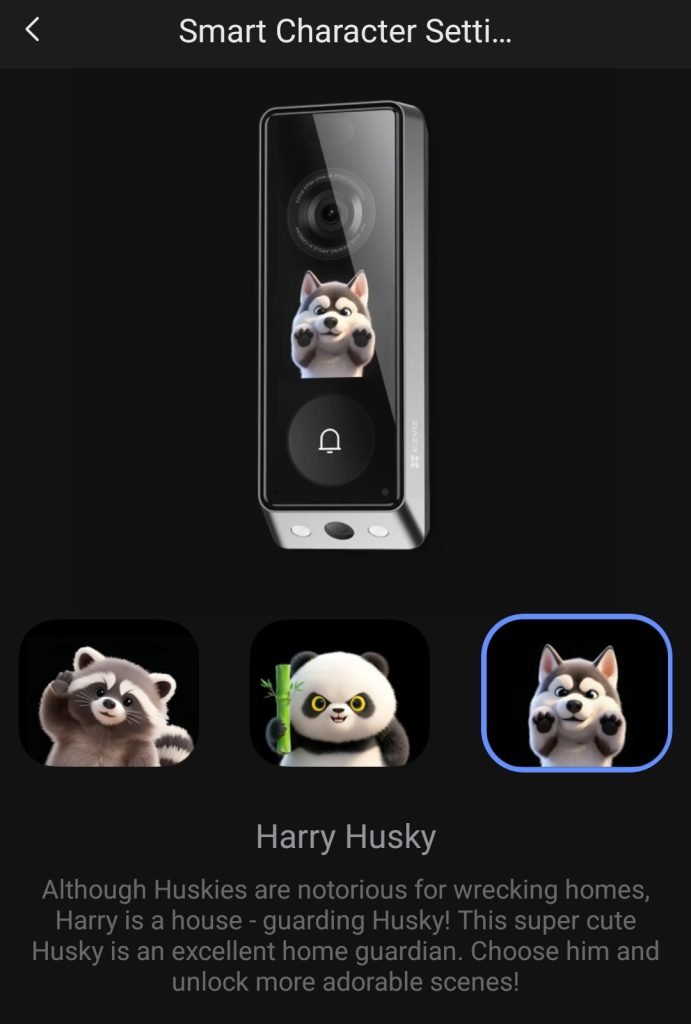
Let’s talk about the standout feature that completely stole my heart: the front-facing smart character screen.
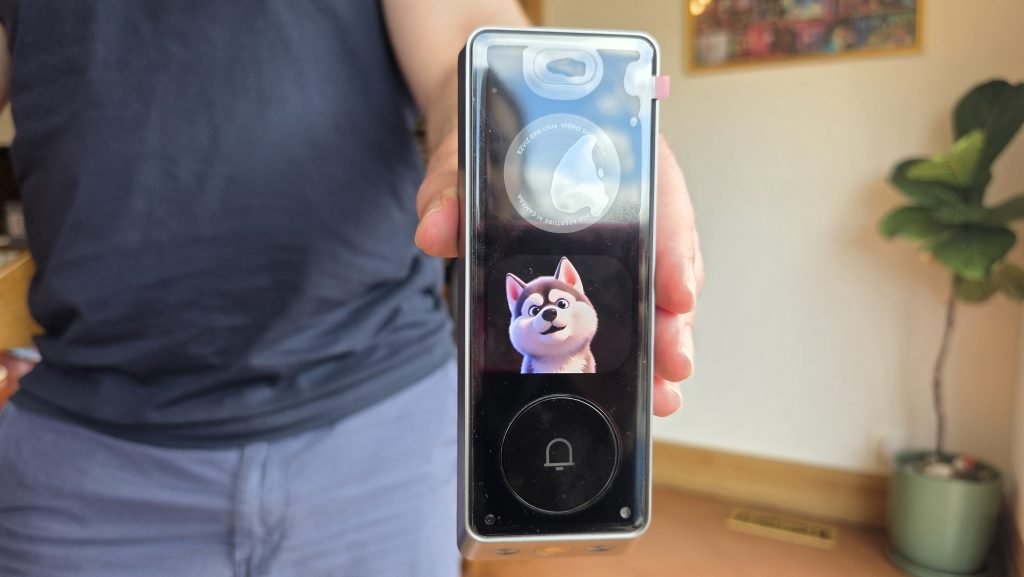
Instead of staring at a blank plastic box, visitors are greeted by an interactive digital character on the doorbell’s built-in display. You can pick between a few different AI companions (including Pandie Panda and Ray Raccoon), but I chose Harry Husky, and he is absolutely adorable!
Having a lively, animated husky react when someone approaches adds a dash of charm to your entryway. Beyond being extremely cute, these characters help guide visitors and provide friendly prompts during interactions. It transforms an otherwise sterile piece of security hardware into a warm, welcoming digital buddy.
Tech breakdown: Dual cameras, 6MP clarity, and AI summaries
Under the hood, the EZVIZ EP8 Ultra is stacked with tech designed to eliminate blind spots:
- Main top lens: 6MP Ultra HD (2464 × 2464), that captures crystal-clear facial detail and tall vertical FOV
- Bottom lens: 2MP HD (1920 × 1080), with dedicated downward view specifically for package delivery
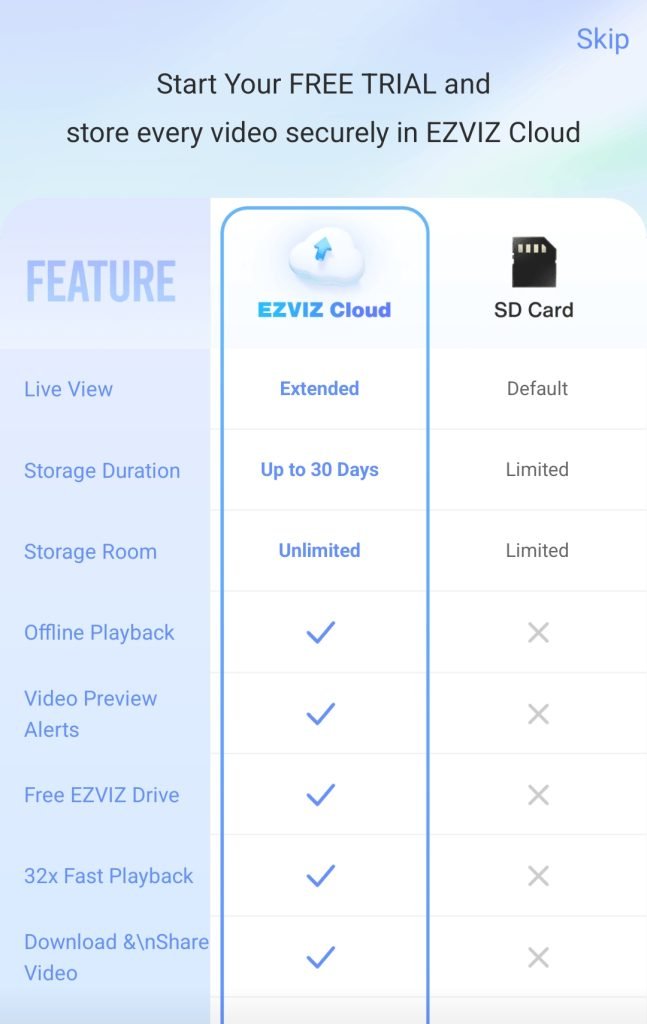
- Local storage: 32GB eMMC built-in that holds up to six months of clips with zero subscription fees
- Night vision: Colour night vision with spotlight that gives clear, colourful footage even in total darkness
- Pre-roll tech: 24/7 pre-rolling captures seconds before motion is triggered so you get the full context
The video feed is crisp, clear, and makes identifying who or what is at your door effortless. Thanks to hardware WDR (Wide Dynamic Range) and edge distortion correction, you don’t get those blown-out bright spots or weird fish-eye warping on the edges of the frame.
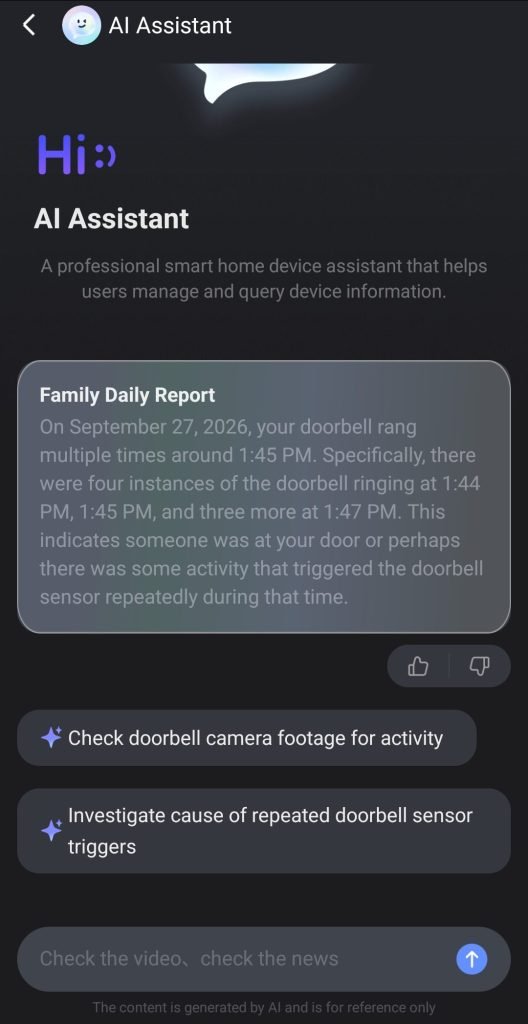
The AI-powered smart alerts are equally impressive. The system accurately differentiates between human motion and parcel deliveries, sending instant push notifications. At the end of each day, I’ve been enjoying the AI summaries. The app compiles a neat timeline breakdown of everything that transpired across the day—deliveries, visitors, and lingering motion—giving you a quick digest without having to scrub through hours of footage manually. And you can even ask questions about this summary too.
Security, privacy, and the included chime
Security hardware needs to protect your data as much as your front porch. EZVIZ nails the privacy side with built-in features like customisable “No-Filming Privacy Zones” (allowing you to block out, say, a neighbour’s driveway), end-to-end AES data encryption, and an option to use a voice changer during two-way video calls if you want extra privacy with strangers.
Never miss a knock with the wireless chime
Aside from Harry the Husky, the included chime is my most favourite feature. The EZVIZ EP8 Ultra comes bundled with an indoor wireless chime, which turned out to be a massive upgrade for our house. We placed the chime straight into our living area. In the past, we’ve completely missed visitors or deliveries simply because we couldn’t hear the faint, muffled ring coming from the front door. Having a dedicated internal chime guarantees you hear the door ringing no matter where you are in the house.
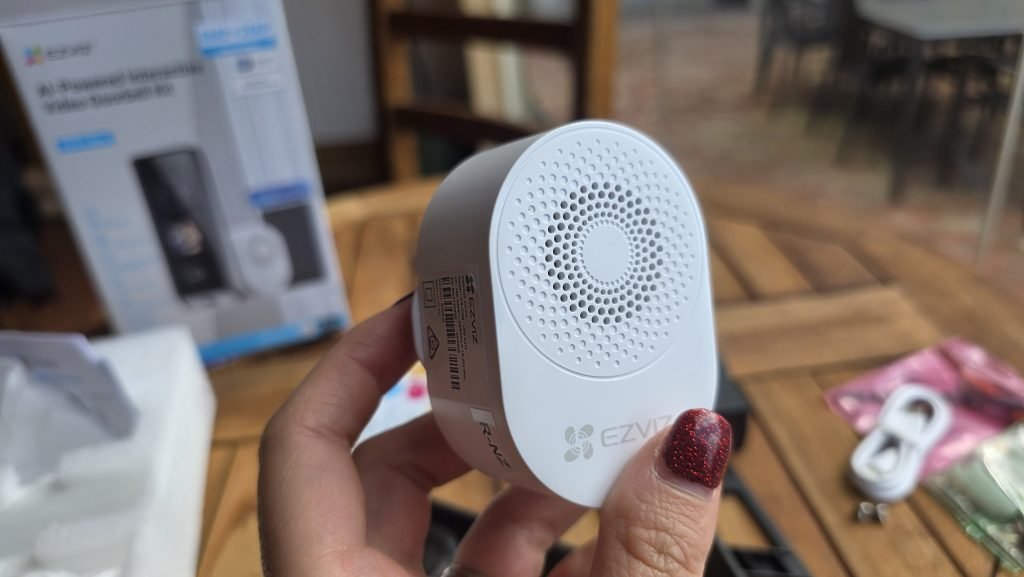
If I had a couple of wishlist items, it’d be the ability upload or customise ringtones, and download other cute animals like Harry the Husky. The chime appears to only come with two built-in sound options. However, given how reliable and loud it is in making sure we don’t miss packages, it’s a tiny compromise.
Final verdict: Is it worth it?
At $319.96 AUD (down from its $399.95 AUD RRP), the EZVIZ EP8 Ultra Dual Cam delivers tremendous value. Whilst there are some cameras you can buy on the market under $100 AUD, if you want or need the added features here like dual cameras, privacy zones, hot-swappable backup batteries, on-board storage with no lock-in contracts, and the included chime then it’s worth it.
The EZVIZ EP8 camera solves almost every common pain point associated with smart doorbells. The design is also sleek, techy, and modern, not an eyesore that your friends and family want to walk away from as quickly as possible.
It’s easy to install, intuitive to use, packed with high-end tech, and Harry Husky will put a smile on your face every time you walk up to your own front door. You can grab the EZVIZ EP8 Ultra direct from the EZVIZ Australia store, or pick it up locally at JB Hi-Fi or Harvey Norman.
Keep following us for the latest insights.