Android users looking for the most high-tech ways to manage their smart locks at home just got some great news. On Tuesday, Google announced it will start offering digital keys in Google Wallet built on Aliro, a new smart lock standard. When I tested the predictive, futuristic Schlage Sense Pro lock — which uses ultrawideband
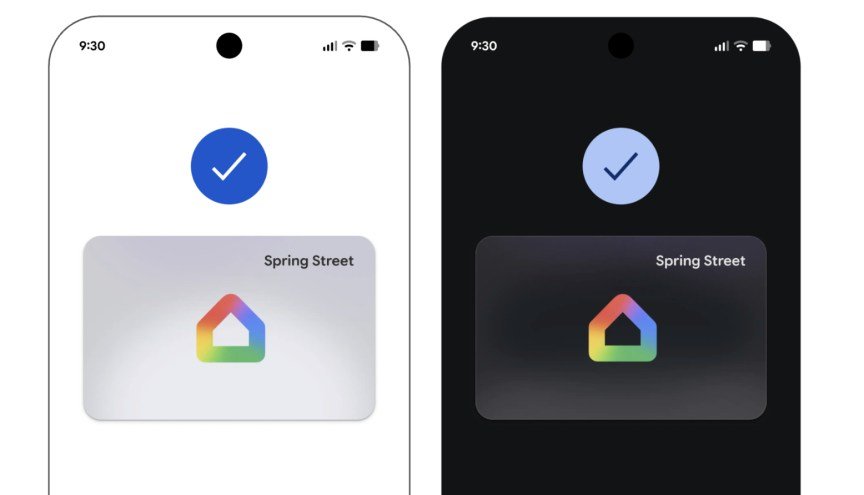
Android users looking for the most high-tech ways to manage their smart locks at home just got some great news. On Tuesday, Google announced it will start offering digital keys in Google Wallet built on Aliro, a new smart lock standard.
When I tested the predictive, futuristic Schlage Sense Pro lock — which uses ultrawideband technology and Apple Home Keys in Apple Wallet — Schlage told me that other brands were adopting Aliro to bring that same seamless usability to more devices, and now the time has come.
The best thing about the lock is that it didn’t require me to tap my phone for an NFC connection or even wave it in the vicinity. The ultrawideband, or UWB tech — think of it like an advanced version of Bluetooth older locks used — sensed a key holder was coming to the door, judged my speed and trajectory based on the signals the lock was getting, and had the door unlocked by the time I reached it, with autolock features locking it back up a minute later.
Home keys in Google Wallet, which have already started rolling out to Public Preview users in Google Home, offer users a lot of similar tricks with the right smart locks. That’s handy not only for saving time fumbling for your phone at the door, but also if your hands are full or you’re busy talking to someone. When I tested Schlage’s version, it could sense when I was actually approaching and when I was simply walking by the door, too, so the lock didn’t randomly open.
So far, locks compatible with UWB and the “unlock on approach” feature include not only the Schlage Sense Pro ($394.98) I tested, but also the Aqara u400 ($269.99) and the European brand Nuki Keypad 2 NFC lock ($179), with more on the way. Aliro was only officially released early in 2026, so it will take time for the standard to be broadly adopted by both locks and digital wallets, especially more advanced abilities like these. The good news is that Aliro includes encryption for security, battery-life savings and other benefits, too.
A representative from Google didn’t immediately respond to a request for comment.
The convenience of digital keys in Google Wallet
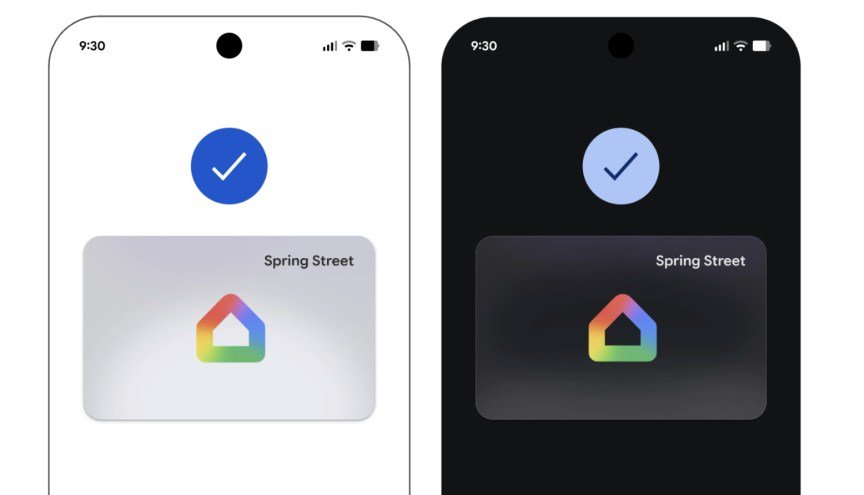
The “unlock on approach” feature of Aliro’s standard digital wallet keys is only one of the advantages of this upgrade, so you don’t need a UWB-compatible lock to get the benefits.
According to Google, its own home keys in Google Wallet will offer NFC to tap your phone to unlock the door (no unlocking necessary), let you use the digital key across multiple locks if necessary, and sync your key across compatible devices you use. Other people in the home can add their own home keys to the Wallet, but unlike Apple’s temporary passes, Google says guests and visitors will need to get passcodes instead of digital keys of their own.
What happens if you or someone else loses their phone? In most cases, users can rely on keypad access codes to gain entry instead of the digital wallet. But these UWB locks sometimes forgo a physical key slot entirely: Schlage says its lock doesn’t have a key slot to reduce the risk of lockpicking, but that does limit emergency unlock options.
What you need to get started
Here’s where this new lock technology gets more complicated. Finding a compatible lock is only a part of unlocking all these Wallet key features.
You’ll also need an NFC-enabled Android phone running Android 9 or later, such as the Google Pixel 10 Pro or Pixel Fold. Then you’ll need a Matter-enabled Google Hub with a Thread Border Router, which is typically a separate Google device, like a Nest Hub Max, Nest Wifi Pro system or Google TV streamer.
With all that, make sure your phone, lock, Google Wallet app and Google Home app are all updated, and you should be prompted to create home keys during your lock setup. This takes only a few seconds, and you can delete them easily, just like you could with a concert ticket or credit card.

See full bio
For more tech updates, stay tuned to our blog.