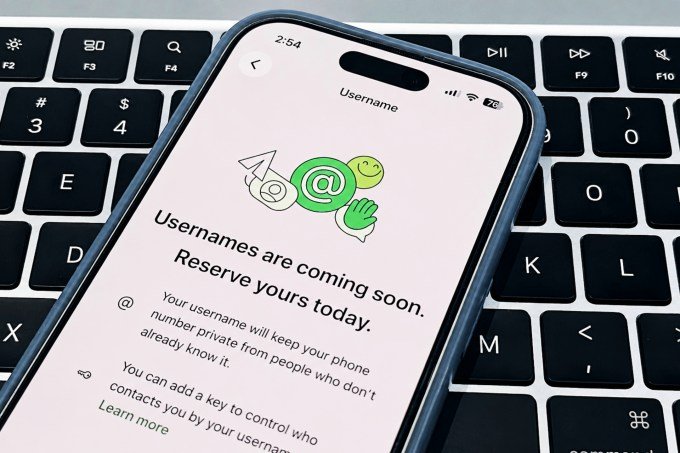
Meta-owned chat app WhatsApp began rolling out username reservations for its 3 billion users in early June. The username feature is not active, but you can claim your username and start using it when the feature becomes available this year. With usernames, people will be able to share their WhatsApp contact without having to reveal
Meta-owned chat app WhatsApp began rolling out username reservations for its 3 billion users in early June. The username feature is not active, but you can claim your username and start using it when the feature becomes available this year.
With usernames, people will be able to share their WhatsApp contact without having to reveal their phone number. This could be useful for people who want others to contact them on WhatsApp, but don’t want to share their information or phone number. For businesses, it may be easier to share a name than a phone number with their customers.
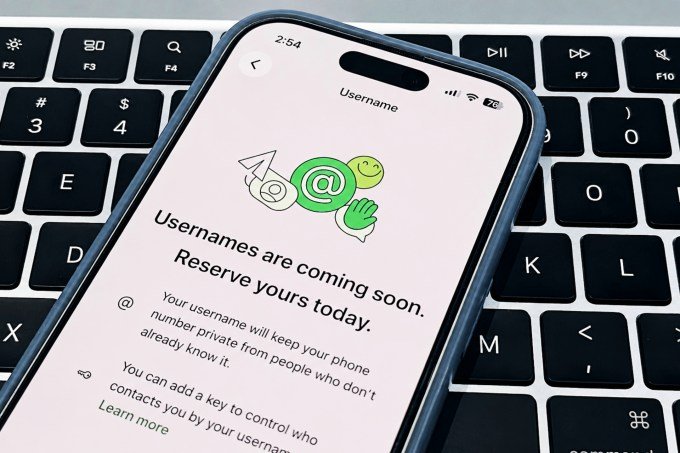
This is how you can reserve your username:
- Gonna Settings > Account and tap on the Username option in the “Your Account” section
- If you are setting up your username for the first time, the “Create Username” option will appear and you will then be able to type and choose your username.
- If the username you chose is not available, WhatsApp will suggest some variations if you tap the “suggest a username” option.
WhatsApp is reserving certain usernames for public figures and entities, so you won’t be able to reserve them for yourself. If you already have a Facebook or Instagram username, you can log in through either service and reserve your username as well.
Once you have set the username, you can go to the same menu and change it by tapping the “Edit” button in the top right corner. Alternatively, you can also delete your username.
WhatsApp also allows an extra layer of protection with a username key. You can limit the people who contact you from “Everyone” to “People who know my password” in the username menu. This means that people who know your username will also enter a four-digit password before contacting you for the first time. Users can save the key or generate a new key at any time.
The username feature will be available in the coming weeks. Until then, WhatsApp only allows people to claim their usernames to avoid duplication.
When you buy through links in our articles, we may earn a small commission. This does not affect our editorial independence.
Keep following us for the latest insights.