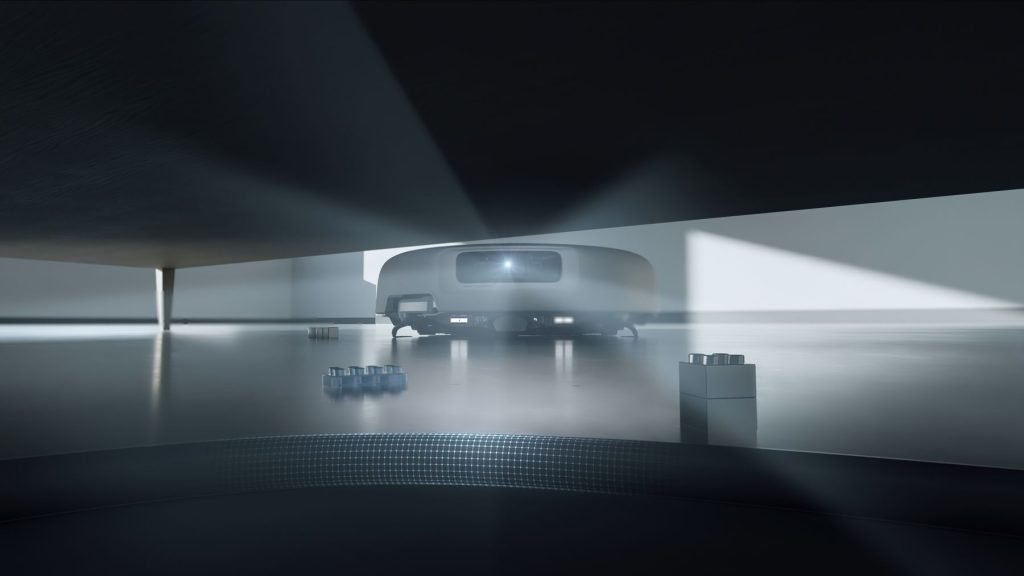
A robot vacuum is one of the most intimate devices you can put in your home. To do its job, it builds a detailed map of every room, it rolls under your bed and around your kids’ toys, and on the better models it carries a camera so it can recognise what’s in its way.
A robot vacuum is one of the most intimate devices you can put in your home. To do its job, it builds a detailed map of every room, it rolls under your bed and around your kids’ toys, and on the better models it carries a camera so it can recognise what’s in its way.
For most robot vacuums, that data heads off to a cloud server somewhere, and you’re asked to trust that it stays safe there.
DJI’s answer for its ROMO 2 robot vacuums is to give owners the option to keep that data at home. The company has now released Local Data Mode for ROMO 2, a feature that disconnects the DJI Home app from the internet so the robot’s maps, images and navigation data are stored and processed on the device itself.
When we reviewed the ROMO 2 in September, this mode was listed as coming soon. It’s now here, and it arrives as a firmware update.
What Local Data Mode actually does
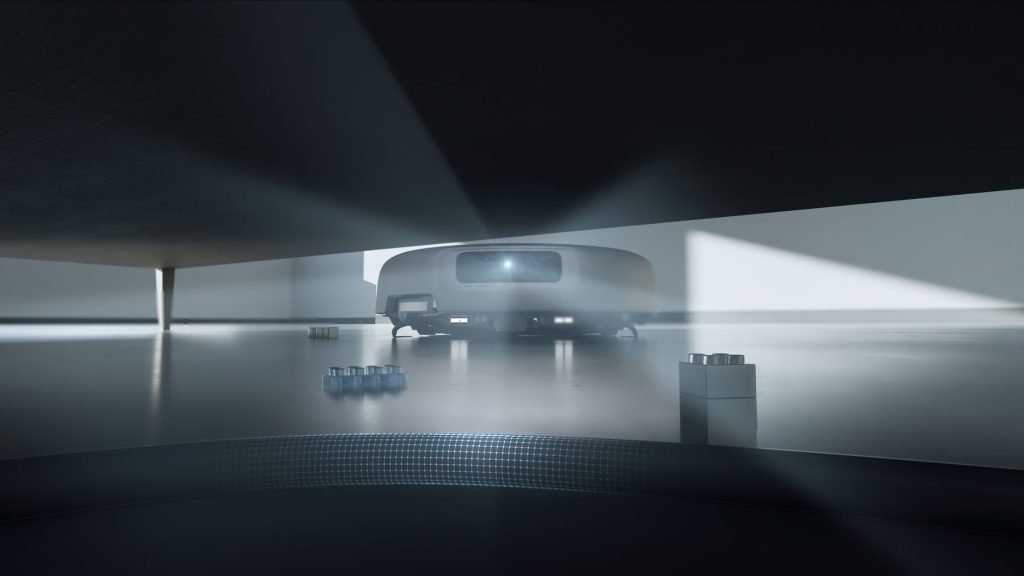
DJI says Local Data Mode first appeared on its drones back in 2017, so the idea isn’t new for the company, but this is the first time it has brought it to its home robots. DJI is calling it an industry first for smart home products, which is the company’s claim rather than something we can verify across every brand on the market.
The setup process still needs the internet once. When ROMO is powered on for the first time, it connects online to create a map of its surroundings. Once Local Data Mode is switched on, that mapping data is stored locally rather than in the cloud. From then on, maps, images and the other data used for navigation and obstacle avoidance are stored and processed on the device.
The important part is that the robot doesn’t become a brick when it’s offline. With Local Data Mode enabled, DJI says the core functions, including navigation and obstacle avoidance, keep working without an internet connection, even during a network outage. You can still start and customise cleaning cycles and send the robot back to its dock to recharge while it stays offline.
That’s a genuinely useful combination. Plenty of smart home gear stops working properly when the cloud goes down or the internet drops out, and anyone who has had an NBN outage knows that happens more often than it should.
What you give up
DJI’s release focuses on what still works rather than what doesn’t. If the DJI Home app is disconnected from the internet, it’s reasonable to expect that anything relying on the cloud, such as controlling the robot while you’re away from home, won’t be available in this mode. DJI hasn’t spelled out the full list of features affected, so owners should check what changes after the update before deciding whether to leave it on permanently.
That trade-off is the point. For some households, the convenience of checking in from the office is worth the cloud connection. For others, keeping a camera-equipped robot’s view of the house entirely at home is the priority. At least now ROMO 2 owners get to make that choice.
The rest of DJI’s privacy setup
Local Data Mode sits on top of what DJI calls its multi-layer privacy protection system for ROMO, which covers data from capture through to deletion. The key parts are:
- Secure access, with a passcode for quick access, or a one-time code sent to your mobile number for an extra layer of verification every time
- Opt-in requirements, meaning users must explicitly authorise the capture, use and storage of data needed for ROMO 2’s cleaning functions, including camera, voice functions, obstacle recognition and Wi-Fi connectivity
- An On-Site Photo setting in the DJI Home app, which controls whether images of detected obstacles are uploaded to the app for display, and can be turned off without affecting obstacle detection or avoidance
- End-to-end encryption when the robot is connected to the internet, to protect data in transit
- No offline uploads, so data stored on the device isn’t uploaded to the cloud when ROMO 2 is offline
- Automated data deletion, where photos older than 14 days are deleted daily when auto-delete is enabled, and a factory reset permanently erases all data from the device
The On-Site Photo toggle is worth knowing about even if you don’t use Local Data Mode. Turning it off means photos of the socks and cables your robot dodges stay off the app, while the robot keeps avoiding them.
Certifications and testing
DJI is also leaning on third-party certifications to back its claims. ROMO devices and the DJI Home app are certified to the ETSI EN 303 645 consumer IoT security standard, meet the EU RED (EN 18031) requirements, and have received UL Solutions Diamond IoT Security certification.
In 2026, TÜV SÜD conducted a penetration test of the DJI ROMO P2 and the DJI Home app and, according to DJI, found no critical, high or medium-risk security issues. DJI is also certified by the British Standards Institution to ISO 27701:2025 and ISO 27001:2026, and says it has regularly submitted its products for third-party security audits and certification since 2017.
Certifications are a good sign, but they’re a snapshot in time. The real protection here is architectural. Data that never leaves your home can’t be exposed by a cloud server it was never sent to, and that’s a stronger promise than any certificate.
Matter support
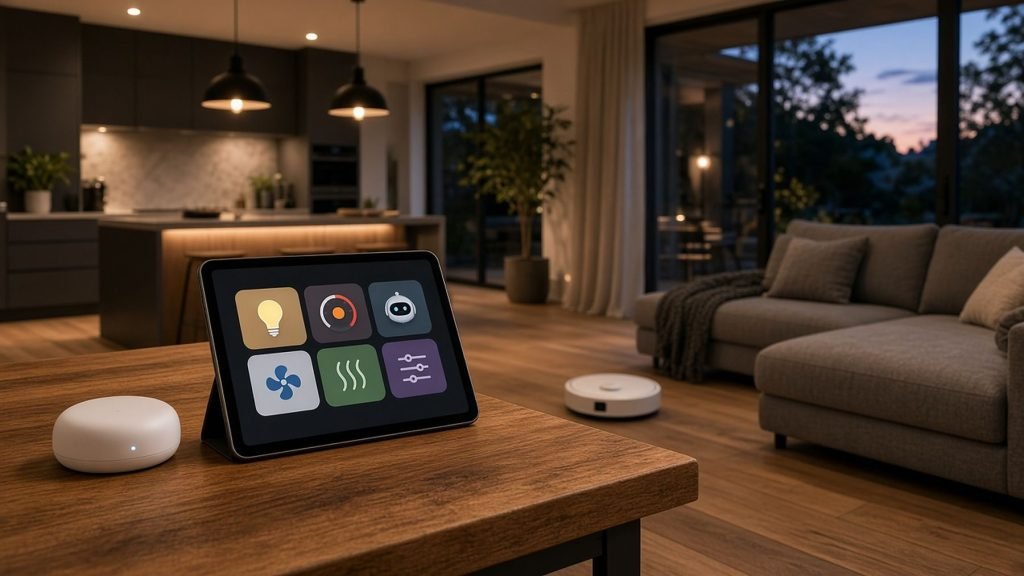
ROMO also now supports Matter, the smart home standard that lets devices work across different ecosystems. DJI says all ROMO devices can be added to compatible Matter controllers in Apple Home, Google Home, Amazon Alexa, SmartThings and Home Assistant, with compatibility and available features depending on the platform and its Matter support.
For Australians who have already picked a smart home platform, that’s a practical win, as it means the vacuum can sit alongside your lights and other devices in routines without living entirely inside DJI’s app.
DJI hasn’t said how Matter control behaves when Local Data Mode is switched on, so that’s another thing to test after updating.
How to turn it on
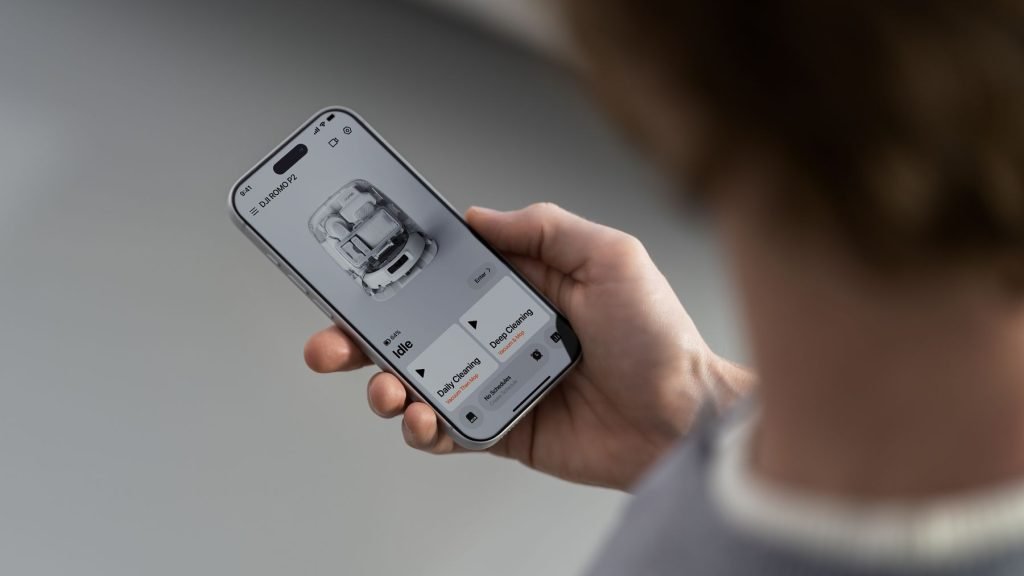
Local Data Mode is available for ROMO 2 now. Owners need to update their ROMO 2 to the latest firmware that supports the feature, then switch on Local Data Mode in Security Settings, under Device Settings, in the DJI Home app.
DJI says Local Data Mode will also come to future ROMO models after its debut on ROMO 2. The release doesn’t mention the original ROMO range, so owners of the first-generation models shouldn’t assume they’ll get it.
Pricing in Australia
The ROMO 2 range launched in Australia in September, and the flagship DJI ROMO P2 (Water Tank Version) has a recommended retail price of A$2,899. Local Data Mode is a free firmware update for existing ROMO 2 owners.
At that price, the ROMO P2 is competing with the top end of the robot vacuum market, where cleaning performance is now very close between brands. Privacy controls like this are becoming a real point of difference, and DJI deserves credit for making local-only operation an option rather than forcing everything through the cloud.
The next step is for the rest of the industry to follow, and for DJI to bring the same option to every ROMO it has already sold.
For more information, head to DJI ROMO.
For more tech updates, stay tuned to our blog.