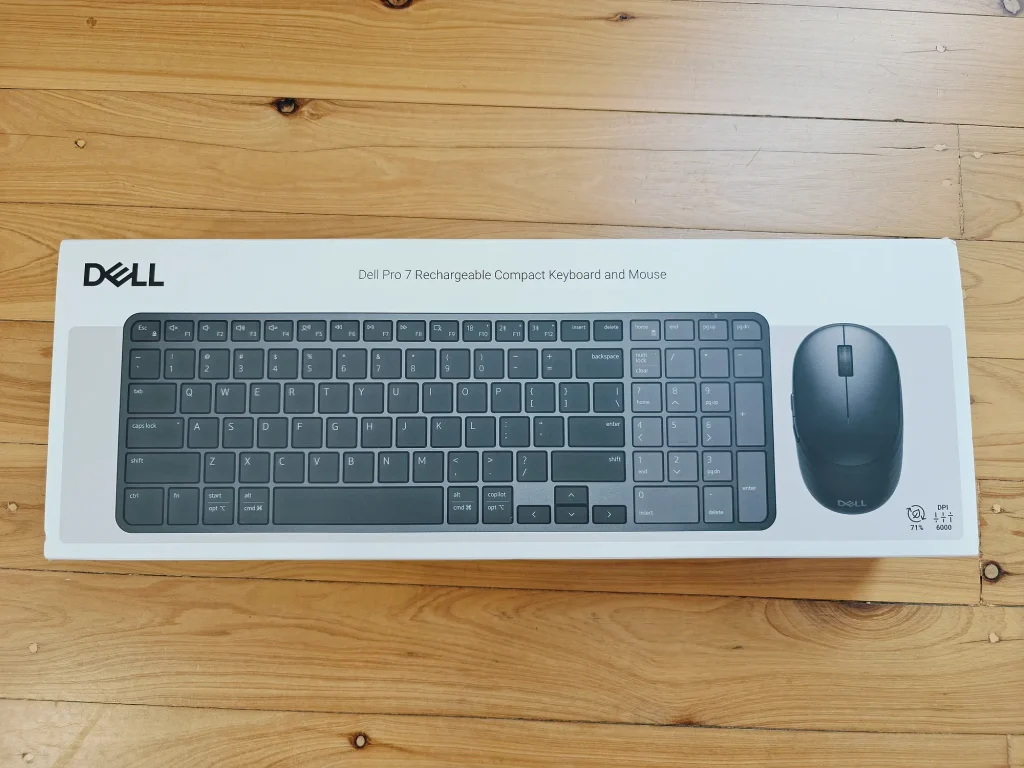
Dell recently released the Pro 7 Rechargeable Compact Keyboard and Mouse (KM746), a wireless set powered by supercapacitors instead of a conventional AA or AAA battery. The pair cost about $130 in Australia and I’ve been testing them since then as I needed a new laptop and mouse. They are aimed at people who want
Dell recently released the Pro 7 Rechargeable Compact Keyboard and Mouse (KM746), a wireless set powered by supercapacitors instead of a conventional AA or AAA battery.
The pair cost about $130 in Australia and I’ve been testing them since then as I needed a new laptop and mouse. They are aimed at people who want a tidier more efficient desk and fast charging.
Unboxing
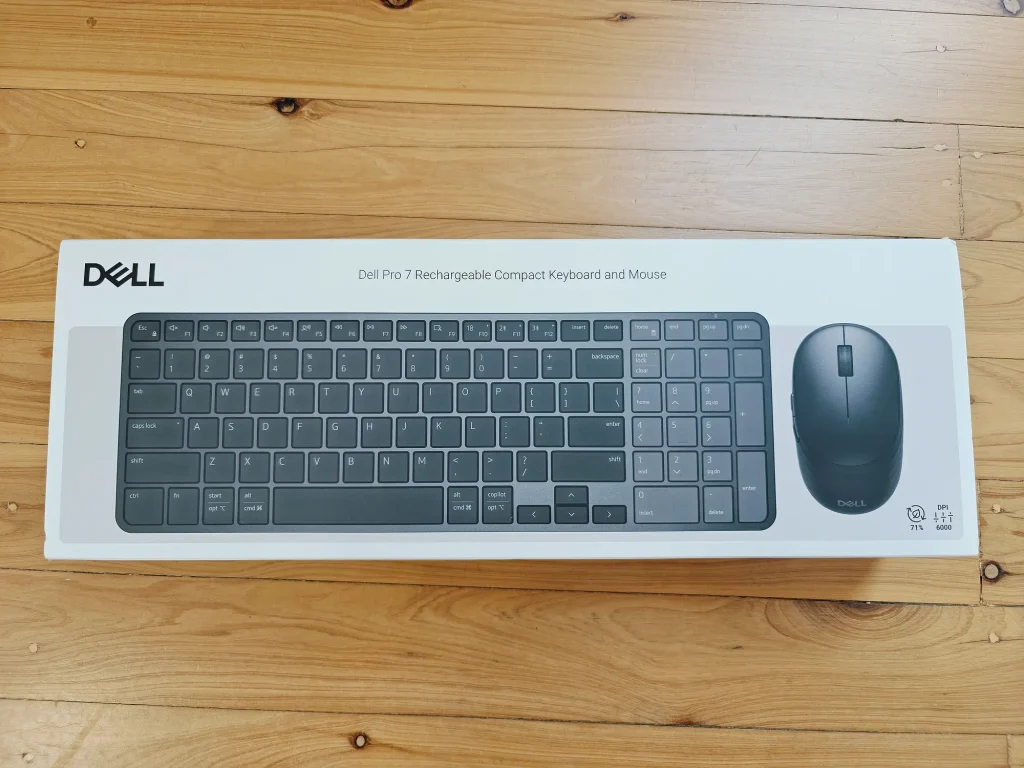
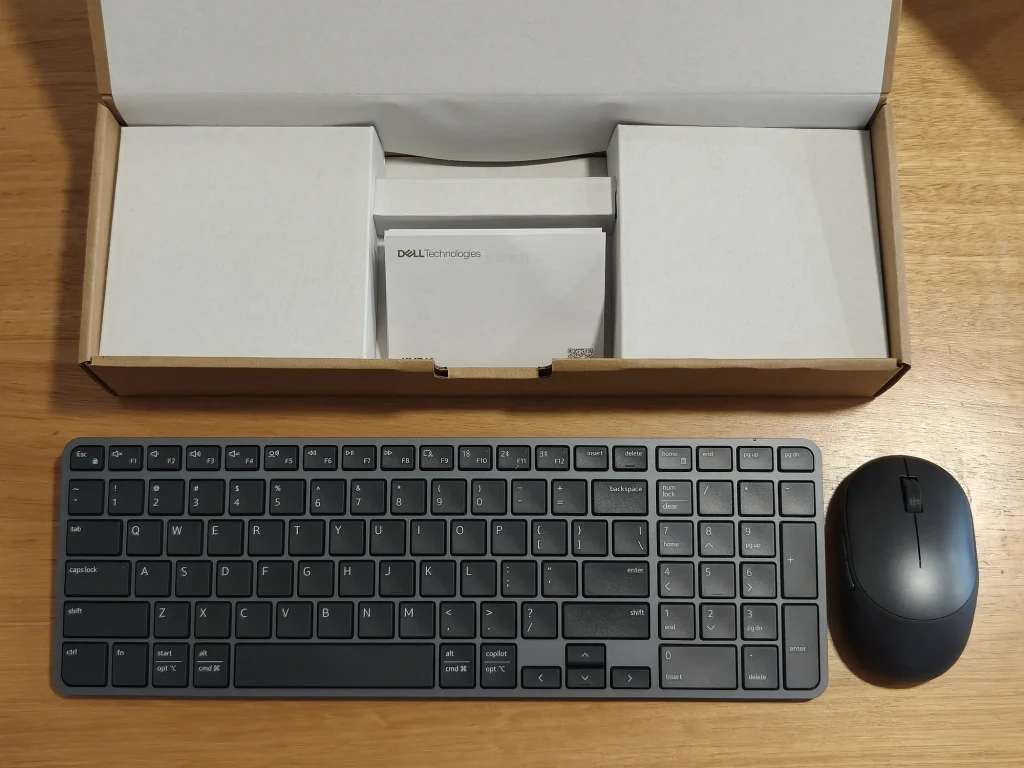
Credit to Dell for only using paper and cardboard in their packaging, no plastic. So once unpacked the box and contents can be put straight into your recycling bin.
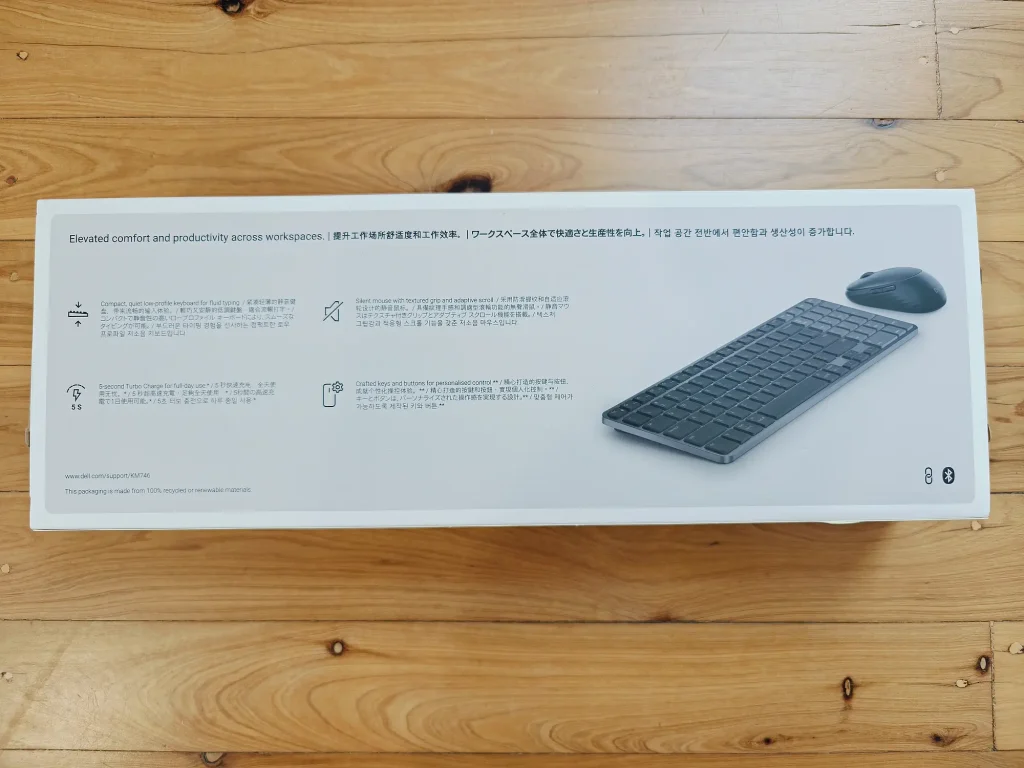
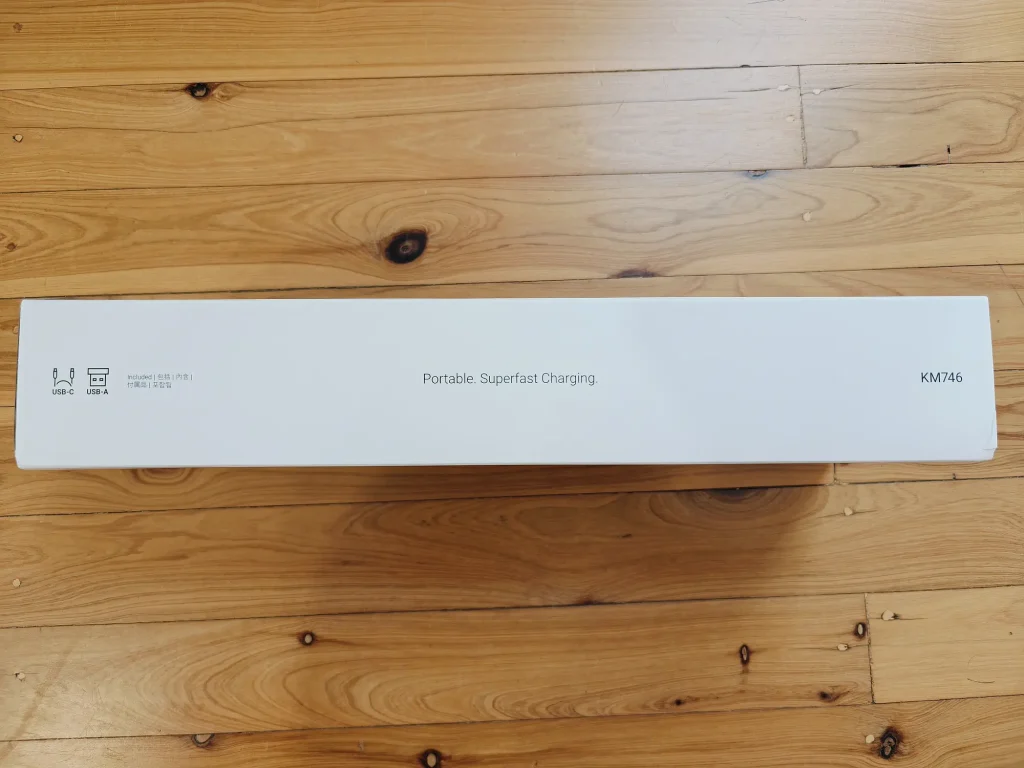
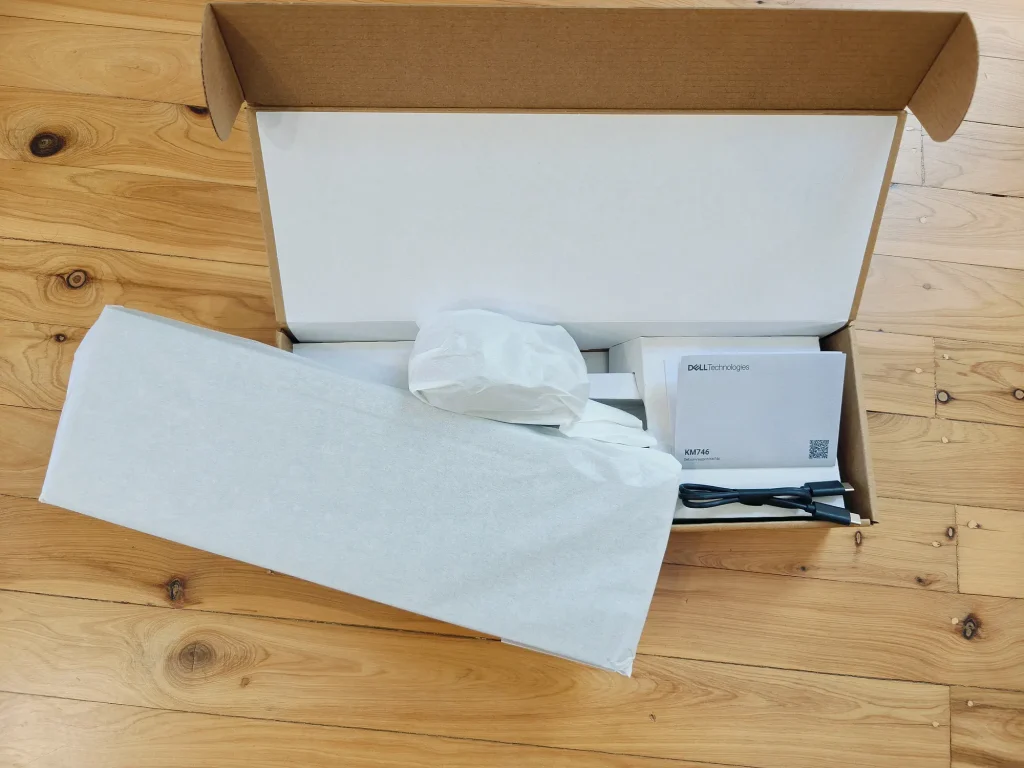
What KM746 Offers
Supercapacitor charging
Dell says a five second charge delivers a full day of use. A full charge is rated at up to three months for the keyboard and up to 1.5 months for the mouse, based on Dell’s internal analysis from December 2025 and with results varying by use.
A compact, quiet keyboard
The keyboard uses low profile scissor keys, has adjustable tilt and includes 13 programmable keys (F1 to F9, Home, End, Page Up and Page Down). It has no backlight. Dual layout keys cover Mac and Windows, and there is a Copilot key.
A silent, symmetrical mouse
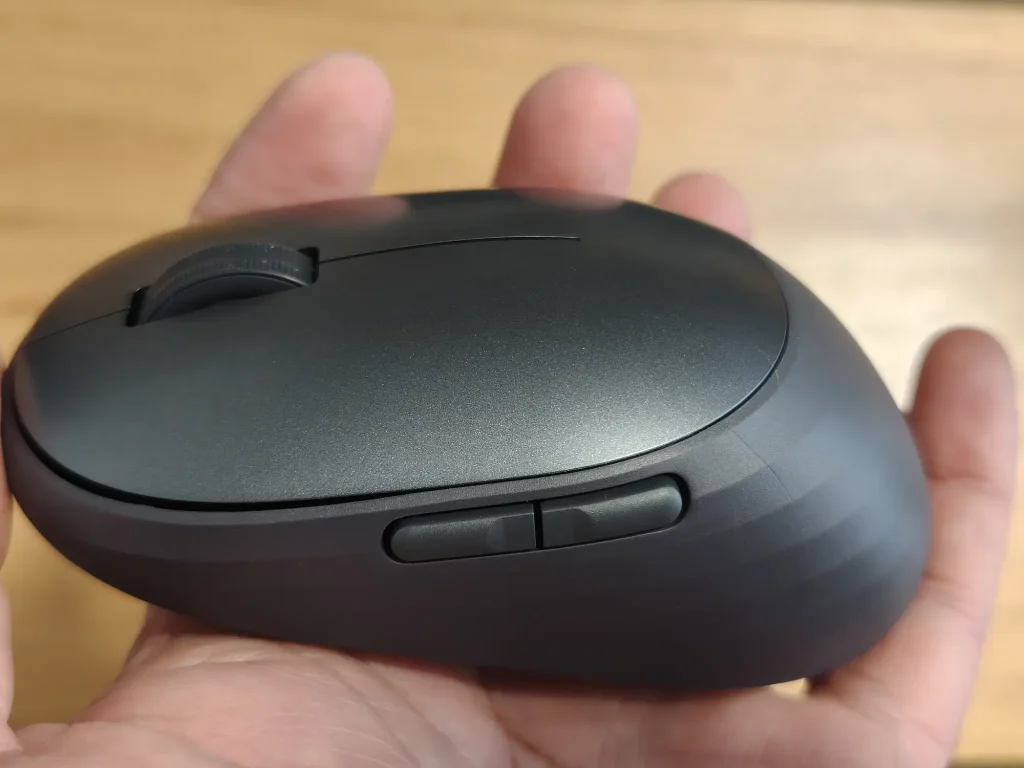
The mouse has silent clicks, a textured side grip and an adaptive scroll wheel that responds to scrolling speed. Cursor speed is adjustable from 400 to 6000 DPI, and three of its five buttons are programmable through Dell Display and Peripheral Manager. A side button switches to horizontal scrolling.
Connectivity and security
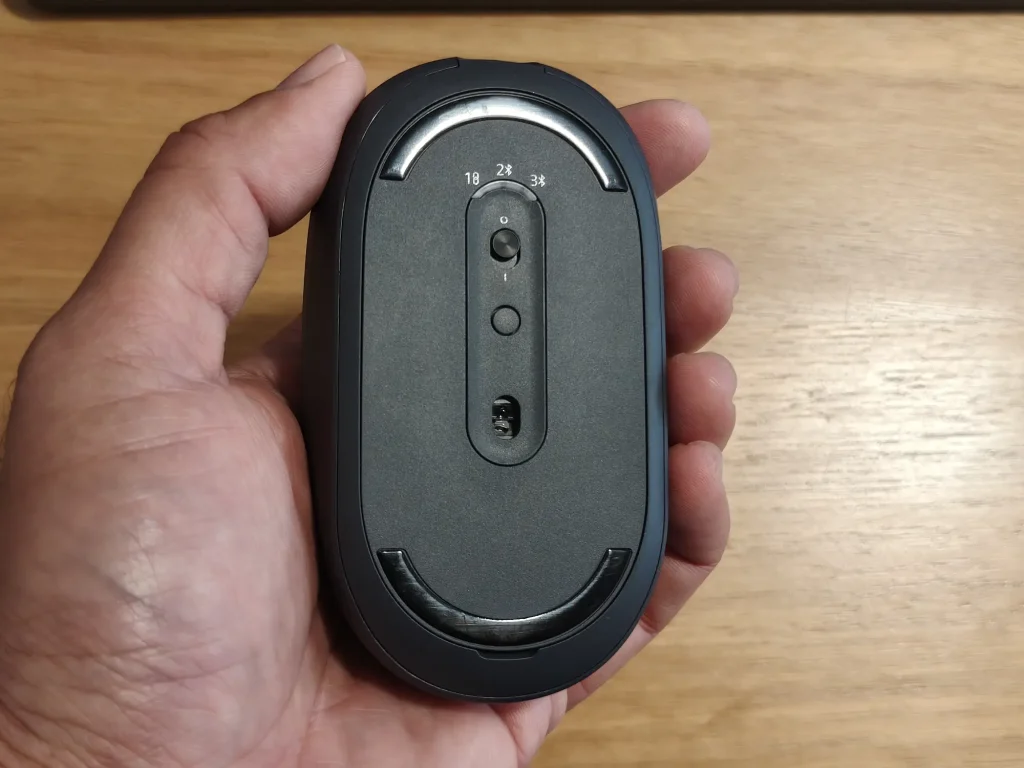
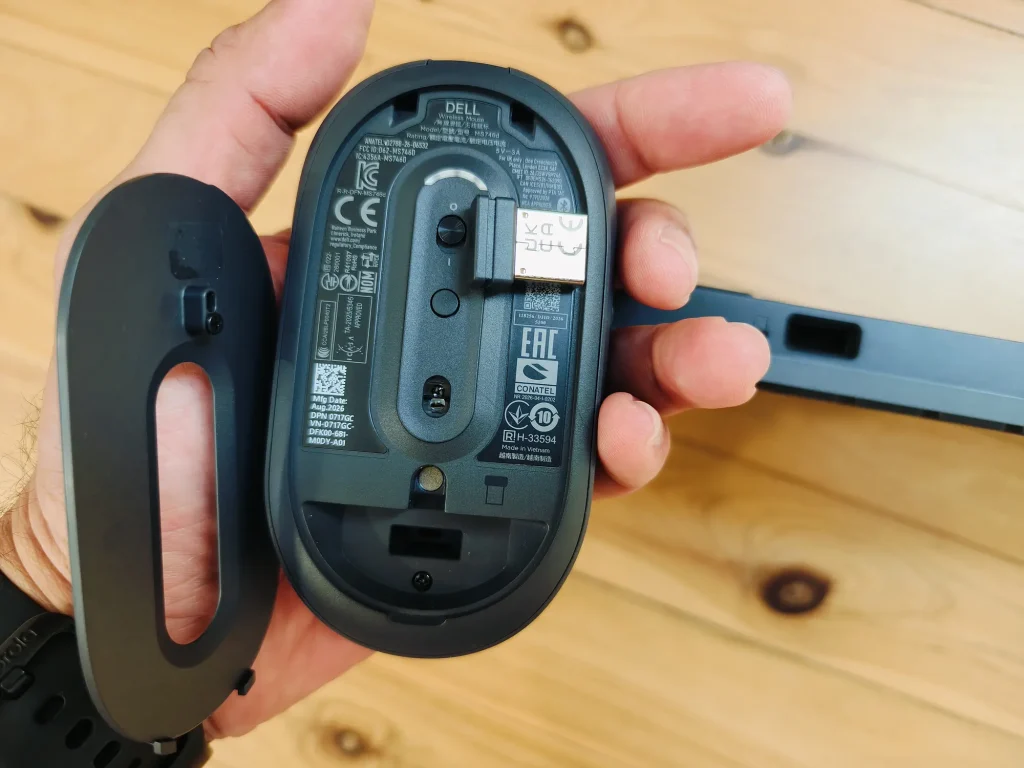
Both devices support two Bluetooth 6.0 connections as well as a 2.4 GHz link through the included USB A receiver. Dell lists 128 bit AES encryption with FIPS approved algorithms. The receiver stores inside the mouse.
Recycled materials
Dell says the set is made with up to 71 per cent post consumer recycled plastic. Its specification sheet lists 72 per cent for the keyboard and 64 per cent for the mouse, calculated as a percentage of total plastic weight and based on Dell’s internal analysis from November 2025.
My Unusual Testing Experience
My experience testing the KM746 was unusual. I plugged the USB A dongle into my laptop and started using the mouse and keyboard straight away after charging them briefly over USB C.
I could not work out how to customise the extra features until I realised they need Dell’s Windows 11 Display and Peripheral Manager app. The app let me customise some of the keyboard buttons, which was a plus.
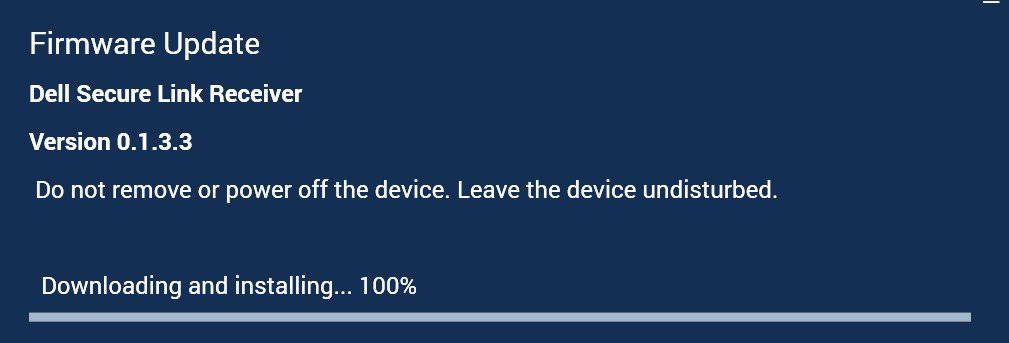
The trouble started when the Dell app applied a firmware update to the USB dongle. The update caused the dongle to stop working permanently.
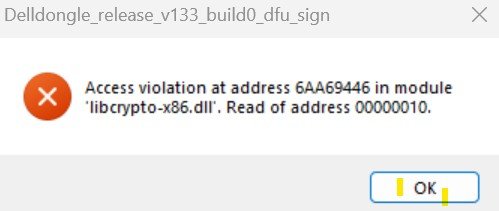
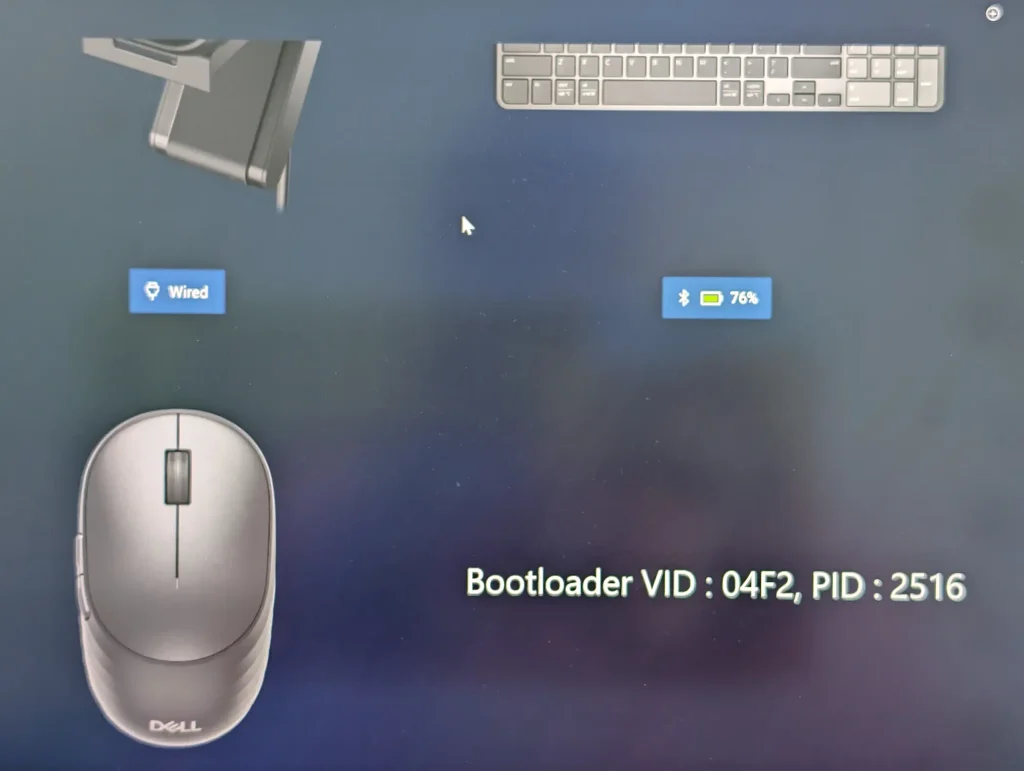
I then paired the mouse and keyboard directly to my laptop and to my wife’s laptop over Bluetooth. They worked well when paired with just one laptop via Bluetooth. Without the dongle, they did not reliably switch between the two laptops, requiring constant annoying re-pairing.
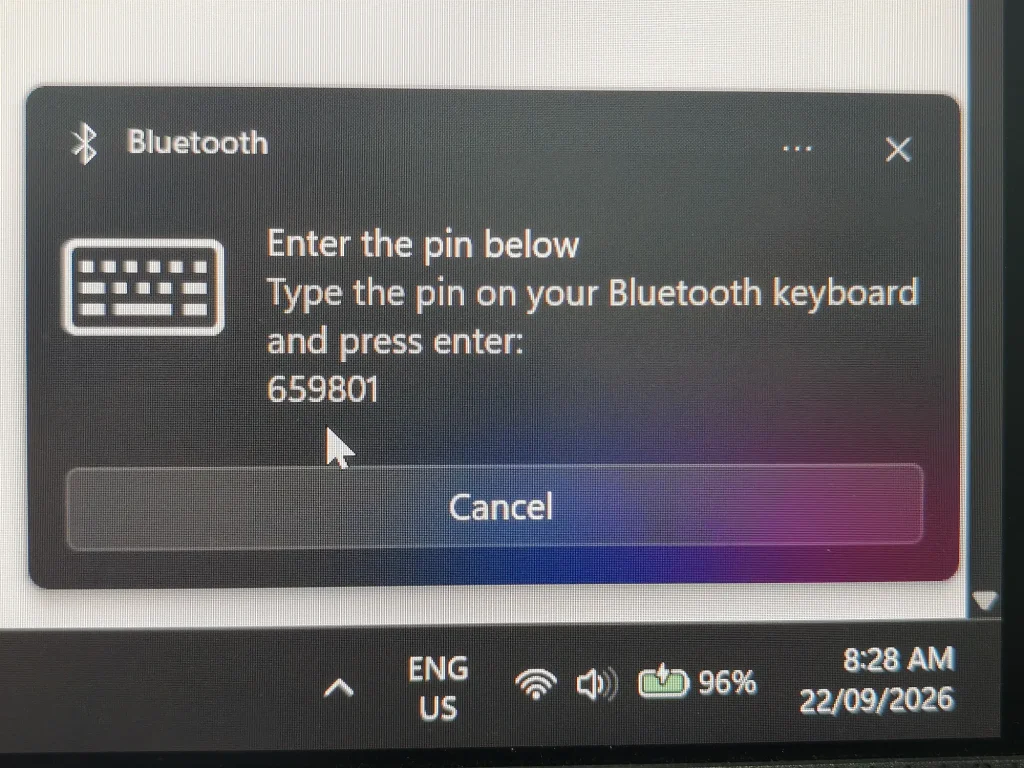
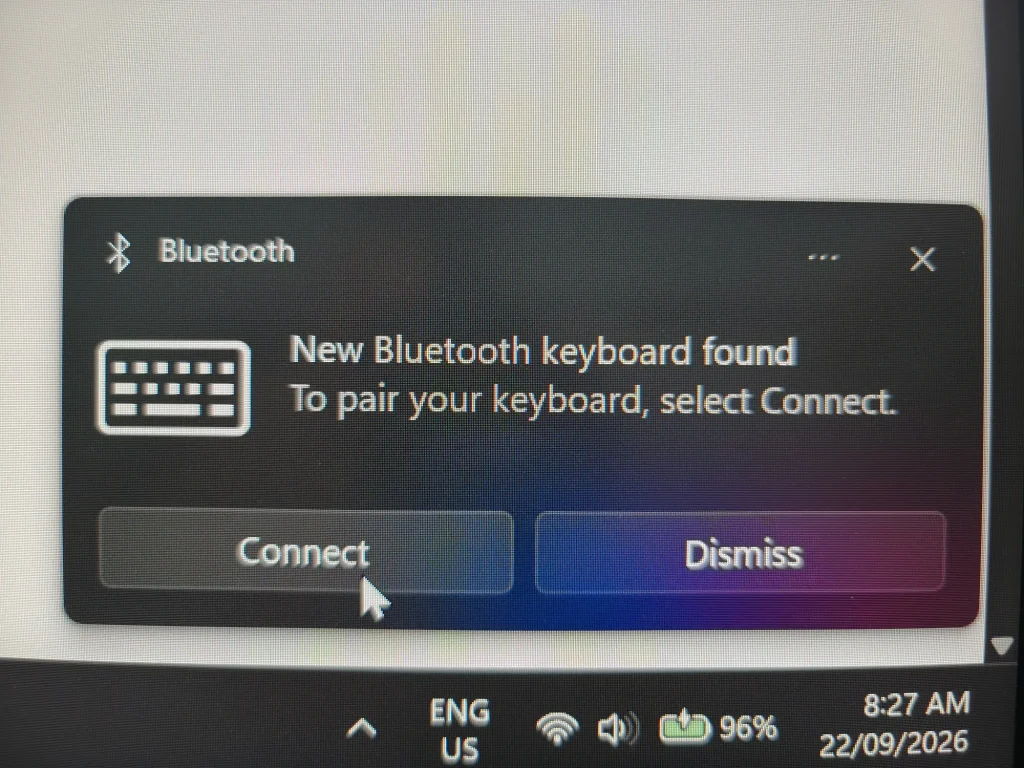
Dell tech support sent me a replacement box so I could see whether the firmware update problem would happen again. It did.
Since we now have two sets of mouse+keyboard and two laptops, I use one pair and my wife uses the other, and without the Dell dongle each set connects reliably to its own laptop via Bluetooth.
If you want to use the supplied Dell USB dongle to connect the mouse and keyboard to a rotating number of laptops, the only way to do it is to NOT install Dell Display and Peripheral Manager app. As soon as you have that app it will try to do a firmware update and break the USB dongle from working.
In terms of general usability the keyboard is great even though it’s smaller than my Lenovo laptop keyboard, I find the custom buttons handy to open various commonly used folders etc.
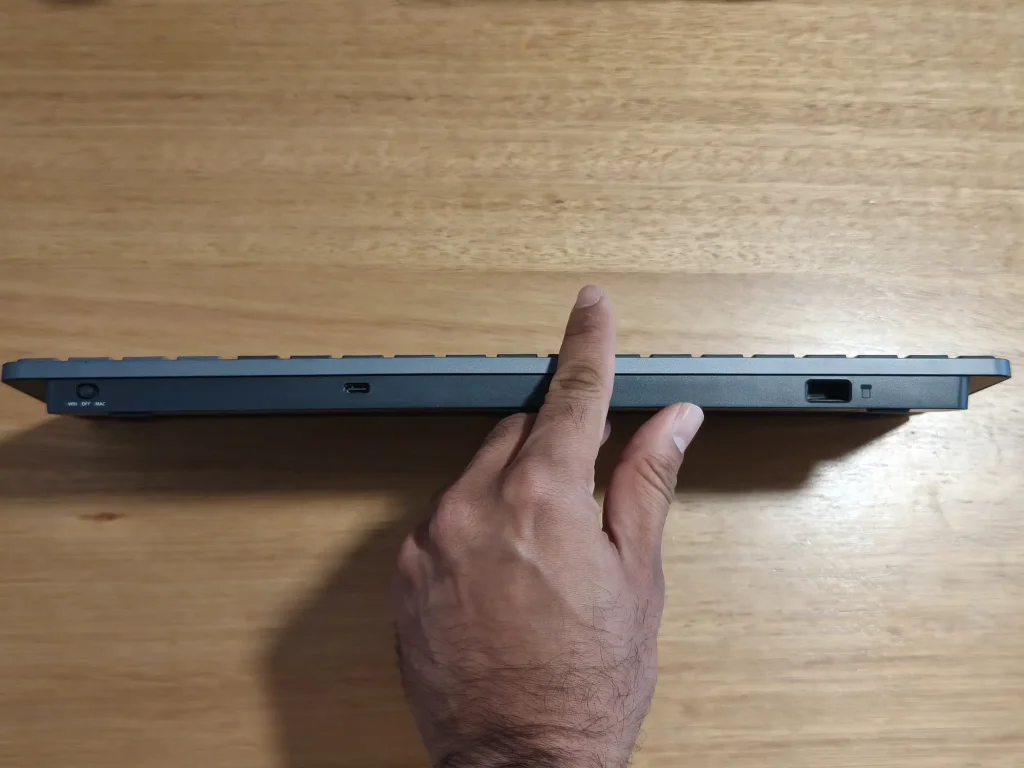
A nice feature is the keyboard on/off switch. It has three settings, On for Apple Mac key layout, Off, and On for Windows 11 key layout.
The mouse is a nice upgrade from my previous one. Not having a rechargable battery inside means it is lighter which doesn’t tire out my hand from moving it around.
For both devices the supercapacitor USB-C charging is very easy and quick to do.
Key specifications
| Specification | Keyboard (KB746) | Mouse (MS746) |
|---|---|---|
| Colour | Black | Black |
| Connectivity | 2x Bluetooth 6.0, RF 2.4 GHz (USB A receiver) | 2x Bluetooth 6.0, RF 2.4 GHz (USB A receiver) |
| Design | Low profile scissor keys, quiet typing, tilt adjustment, no backlight | Compact, symmetrical, optical sensor, silent clicks, textured side grip |
| Programmable inputs | 13 keys (F1 to F9, Home, End, Page Up, Page Down) | 5 buttons (3 programmable), adaptive scroll wheel |
| Cursor speed | N/A | 1600 DPI default, adjustable from 400 to 6000 |
| Maximum run time (full charge) | 3 months | 1.5 months |
| Charging power | 2.5 W minimum, 3 W maximum | 2 W minimum, 11 W maximum |
| Dimensions (W x D x H) | 361 mm x 121.4 mm x 20.9 mm | 62.8 mm x 107.1 mm x 38.8 mm |
| Weight (no batteries) | 512.5 g (excluding dongle, embedded supercapacitor) | 79.45 g (including 1.7 g dongle) |
| Security | AES 128 | AES 128 |
| Recycled content (post consumer plastic) | 72% | 64% |
| Software | Dell Display and Peripheral Manager | Dell Display and Peripheral Manager |
| Operating system compatibility | Windows 10 (build 17763 and above) and Windows 11 (x64), Windows 8.1, Windows 7 (RF 2.4 GHz only), macOS, Linux (Red Hat Enterprise 8.0, Ubuntu 18.4), Chrome and Android | |
| Warranty | 3 year limited hardware with Advanced Exchange Service | |
| In the box | Keyboard, mouse, USB C to USB C charging cable, Dell Secure Link USB receiver, documentation | |
For more information, head to the Dell Australia Pro 7 Rechargeable Compact Keyboard and Mouse (KM746) product page.
{For more tech updates, stay tuned to our blog.|Keep following us for the latest insights.|Check back often for more exciting news!}