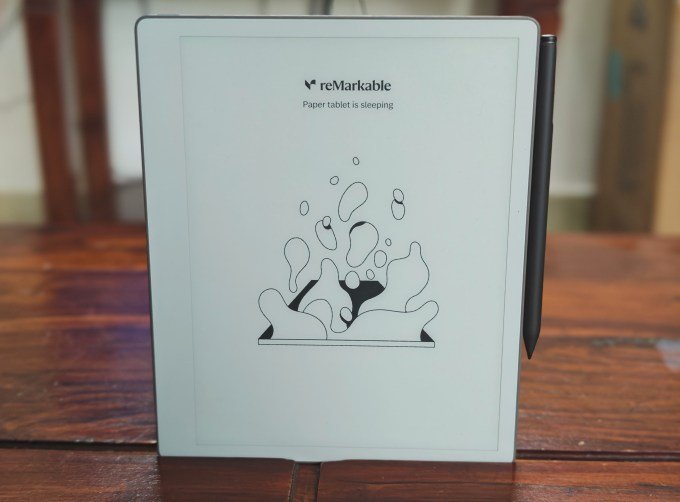
For years, the core ethos of reMarkable has been to get you away from screens and create an experience that emulates the feeling of writing with pen and paper. With its new device, the reMarkable Paper Pure, the company continues the trend of creating a device as opposed to phones, iPads and laptops. Lacking notifications
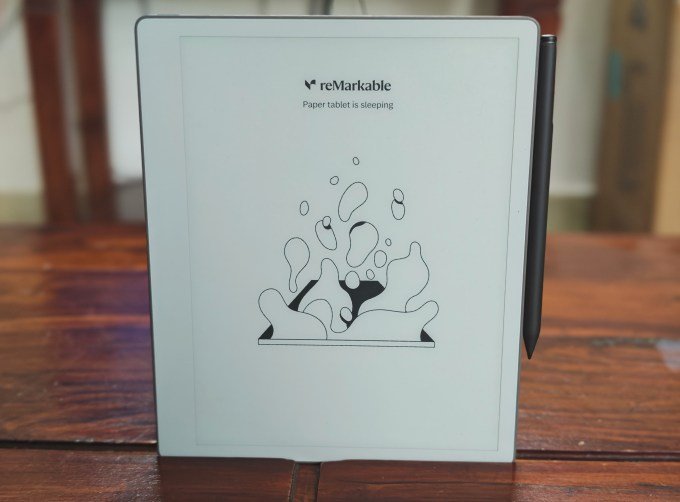
For years, the core ethos of reMarkable has been to get you away from screens and create an experience that emulates the feeling of writing with pen and paper. With its new device, the reMarkable Paper Pure, the company continues the trend of creating a device as opposed to phones, iPads and laptops. Lacking notifications and multitasking apps, Paper Pure aims to attract writers, designers, and researchers looking to read and write without distractions.
When I review devices, I usually write or record notes in different ways, in different apps, and sometimes on different devices. But since this device is designed for writing, I thought it would be appropriate to write the review about the new reMarkable Paper Pure. I wrote this entire review on the tablet using its handwriting conversion feature and edited it in WordPress.
The new $399 reMarkable Paper Pure tablet is the successor to the reMarkable 2, which launched six years ago. Meanwhile, the company decided to launch the $499 Paper Pro with a color screen and a smaller Paper Pro Move with better portability.
The Paper Pure goes back to basics with a laptop-sized monochrome display. It is 10.3 inches
screen: same size as the reMarkable 2. But the company changed the resolution to make the screen wider and shorter. This means that more text fits on the horizontal line, both when reading and writing. I’ve tried reMarkable 2 in the past and with the new tablet, the writing experience is sharper.
In addition to the hardware revamp, the company included software features that make it easier to access content outside of the tablet. It also improved its handwriting search to allow you to search between notes.
An interesting new feature is that you can now sync your calendar with the tablet. This allows you to access meeting details from the calendar icon on the device and then start taking notes within that particular meeting block.
When you’re done, you can convert handwritten notes and share them with a single tap. You will receive a link in your email to access these notes and share them with others. When I use meeting note takers for transcripts, I find it helpful to review my notes so I can add ideas or follow-up questions to ask later.
You can also share your other notes in the same way to access them via email or access them using the new reMarkable web app.
reMarkable has worked to improve the external reading experience with the launch of Paper Pure. You can now send an article as a native notebook to the tablet, making it easy to highlight parts, add notes, and send it to the web app. (However, I wish the company would send the articles to a separate folder by default.)
The device has improved its performance when working with different documents. You can easily integrate Drive, Dropbox, or OneDrive to import and export documents. The documents are imported as a notebook where you can work on them.
The device still does not process PDF files ideally. When I imported the review guide from Paper Pure, the edges were cut off. While reMarkable supports ePUB, the reading experience is nowhere near that of a dedicated e-reader like the Kindle.
The positioning of reMarkable is clear: it is very much a work device for taking notes, sketching ideas, and reading articles or documents. This device will not act as an all-in-one device for reading books and taking notes.
I understand the position of reMarkable as an augmentative device with minimal distraction technology. I also see the appeal of just sitting in front of a device and jotting down ideas. But once you’ve made those notes, you might want to easily sync them with my other notes and search through them. reMarkable doesn’t need to add additional AI features to the device, but it would be interesting to see how the company approaches integration with other AI tools after exporting the notes.
At $399, the device isn’t cheap. But the core promise of distraction-free writing works. When I type on my MacBook, I admit that I get distracted by open apps or tabs, like I’m opening the refrigerator to grab a snack. In the past, I would go to a cafe to think about some story ideas, but using an internet-connected device wouldn’t work. As I used reMarkable Paper Pure more, I became comfortable carrying it around just to jot down ideas or start drafts, and I felt more confident that its software could convert my bad writing well, too.
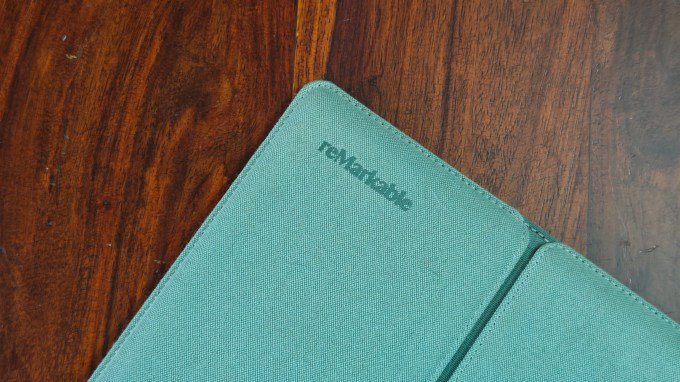
The $399 Paper Pure base model comes with a stylus. There’s also a $449 bundle, which includes a Marker Plus stylus with eraser function, along with a case in various colors.
When you buy through links in our articles, we may earn a small commission. This does not affect our editorial independence.
Keep following us for the latest insights.